Building a Screenshot App for iPhone, iPad and Mac as a Solo Developer
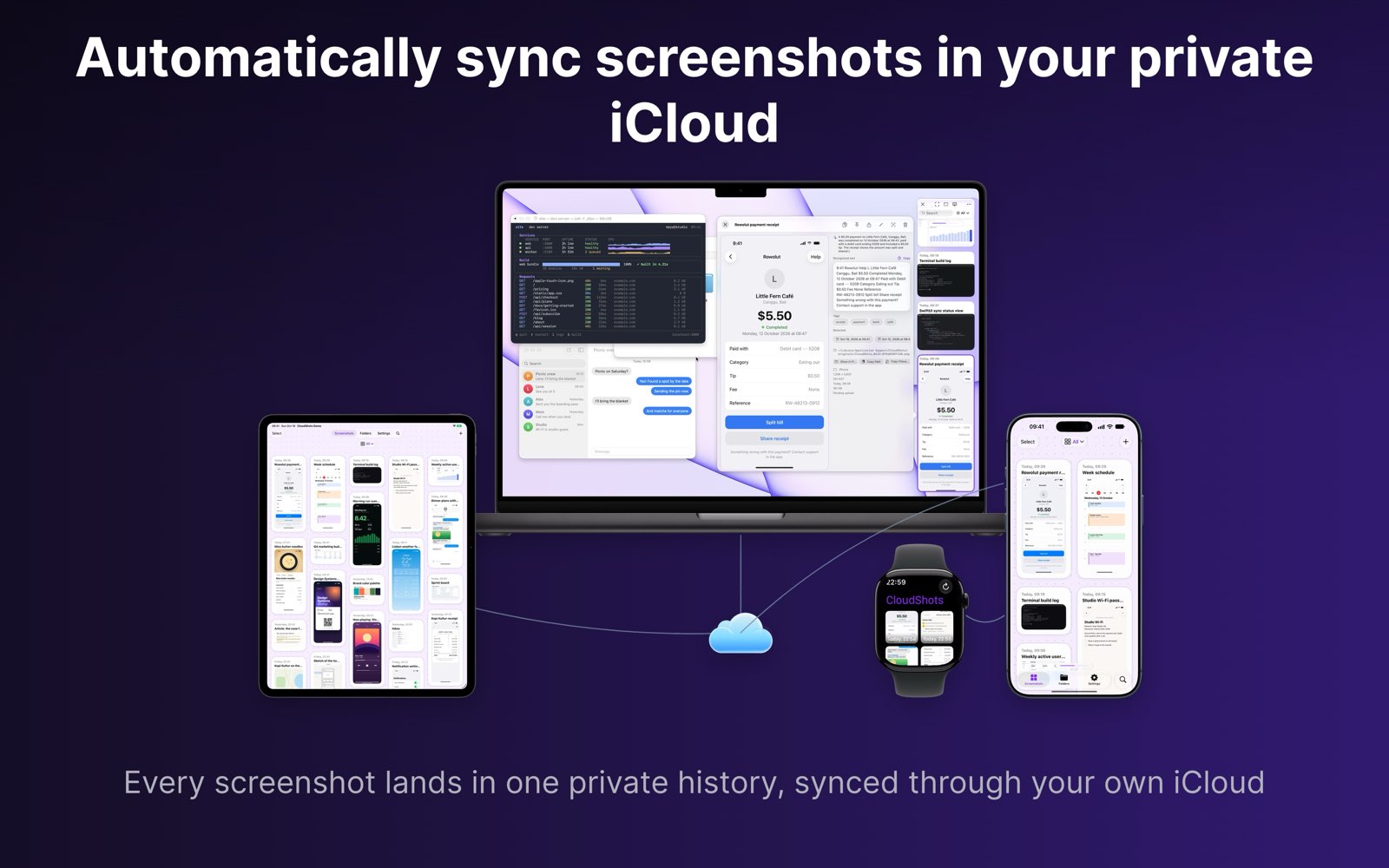
I build apps for a living, and on weekends I build one for myself: CloudShots, a screenshot manager for iPhone, iPad and Mac. This is the developer side of that project: the stack, the decisions that kept it small, and what I would repeat.
The rule I set at the start was simple. Everything runs on Apple's stack, and there is no server to pay for or to keep running.
One library, three platforms
CloudShots is a single capture history shared across macOS, iOS and watchOS. The iPhone and iPad apps read the Screenshots album through PhotoKit, using the screenshots smart album and a change observer. The Mac app finds captures through a Spotlight metadata query, and its own capture runs on ScreenCaptureKit. The Watch app is a read-only history.
Both platforms use SwiftUI. iPad is one adaptable tab view: a floating tab bar at compact width, a sidebar with per-folder rows at regular width. The grid is masonry, and its columns follow the measured width.
One ingestion pipeline serves every platform. Screenshots from a Watch or a CarPlay screen arrive through the iPhone, and the app classifies them by EXIF model and exact pixel size. Aspect ratio alone never decides that something came from an iPad.
CloudKit and no server
The most important decision was to have no backend. Each user's screenshots live in their own private iCloud: one container, one custom zone in the private database, one record per screenshot with the image as a CKAsset. CloudKit does storage, sync and push. I do not run anything that stores a screenshot, so there is nothing of the user's to leak from my side.
Sync runs on CKSyncEngine, and sharing a single screenshot with another person goes through CKShare. A silent push from a database subscription wakes the app to fetch changes, and I treat that push as best-effort rather than something the design depends on.
Two small rules keep the sync honest:
- Deduplication is by the SHA-256 of the encoded bytes, enforced by a unique index.
- Edits use a last-writer-wins key. Trash and Restore sync between devices as well, each with its own clock.
Locally, the app keeps metadata in a SQLite database through GRDB and leaves image bytes in iCloud, fetched when they are needed. Thumbnails are cached on disk, and the oldest are evicted under disk pressure.
Intelligence that never leaves the device
A screenshot library is only useful if you can find things in it. The app reads the text in every screenshot with Vision, classifies the scene, and puts the results in a full-text search index. Search is multi-term and order-independent. When an exact match finds nothing, a fuzzy pass over trigrams catches typos. Relative dates such as "last week" are parsed into a time window.
Smart names and short summaries come from Apple's on-device Foundation Models, behind a gate that allows one call at a time. A name is a two-to-five word slug, so an unnamed screenshot becomes something you can search for. For devices without Apple Intelligence, there is an optional downloaded on-device model as a fallback. It is verified against pinned checksums, and it only downloads over unmetered Wi-Fi.
The privacy rule I wrote down early is that all intelligence runs on-device and nothing is inferred remotely. Derived results sync only through the private CloudKit database.
Redaction needed the most care. It is non-destructive, so the original pixels are never overwritten. Every surface that reads extracted data, such as search, names, summaries and tags, gets it through a single redaction-safe snapshot. When redactions cannot be composited, that snapshot comes back empty instead of leaking. Failing closed was the right default.
Capability checks in one place
Apple ships features by OS version and by device, and scattered availability checks go stale quickly. I put every "what can this device do" question behind a single type. It reads the OS tier, and it asks the system language model for its availability separately. It never branches on chip names. A new feature is one case and one row in a table, not a new check at the call site. Every feature degrades; none disappears.
Concurrency, decided once
The app uses Swift 6 with the main actor as the default isolation, in the apps, the extensions and the tests. Stateless rendering and model services opt out onto background actors. Thumbnails are downsampled off the main thread with ImageIO and cached.
I made one more choice here: view models are @Observable and the views stay thin. That kept SwiftUI predictable across three platforms.
What I would repeat
- Pick the cheapest architecture that is honest. No server means no server bill and no breach surface, and CloudKit is enough for a private, synced library.
- Write the privacy invariant down. "Nothing is inferred remotely" settles many design arguments before they start.
- Fail closed. If the app cannot prove a result is safe, it shows nothing.
- Centralise the checks that rot. Availability and redaction both live in one place each.
Building like this on weekends only works because the stack is small and Apple's frameworks do the heavy parts. If you want to see where it ended up, CloudShots is at cloudshots.app.